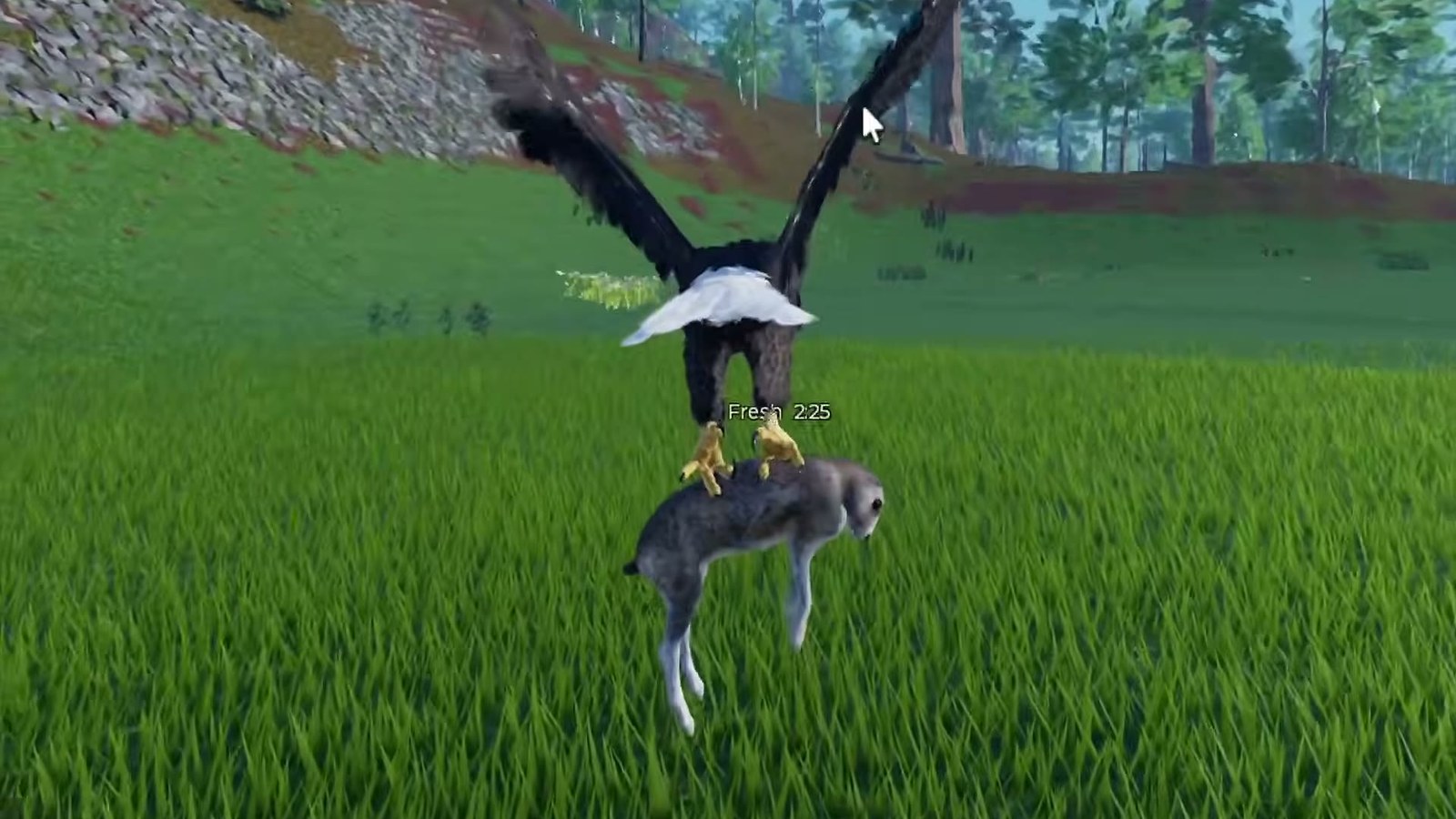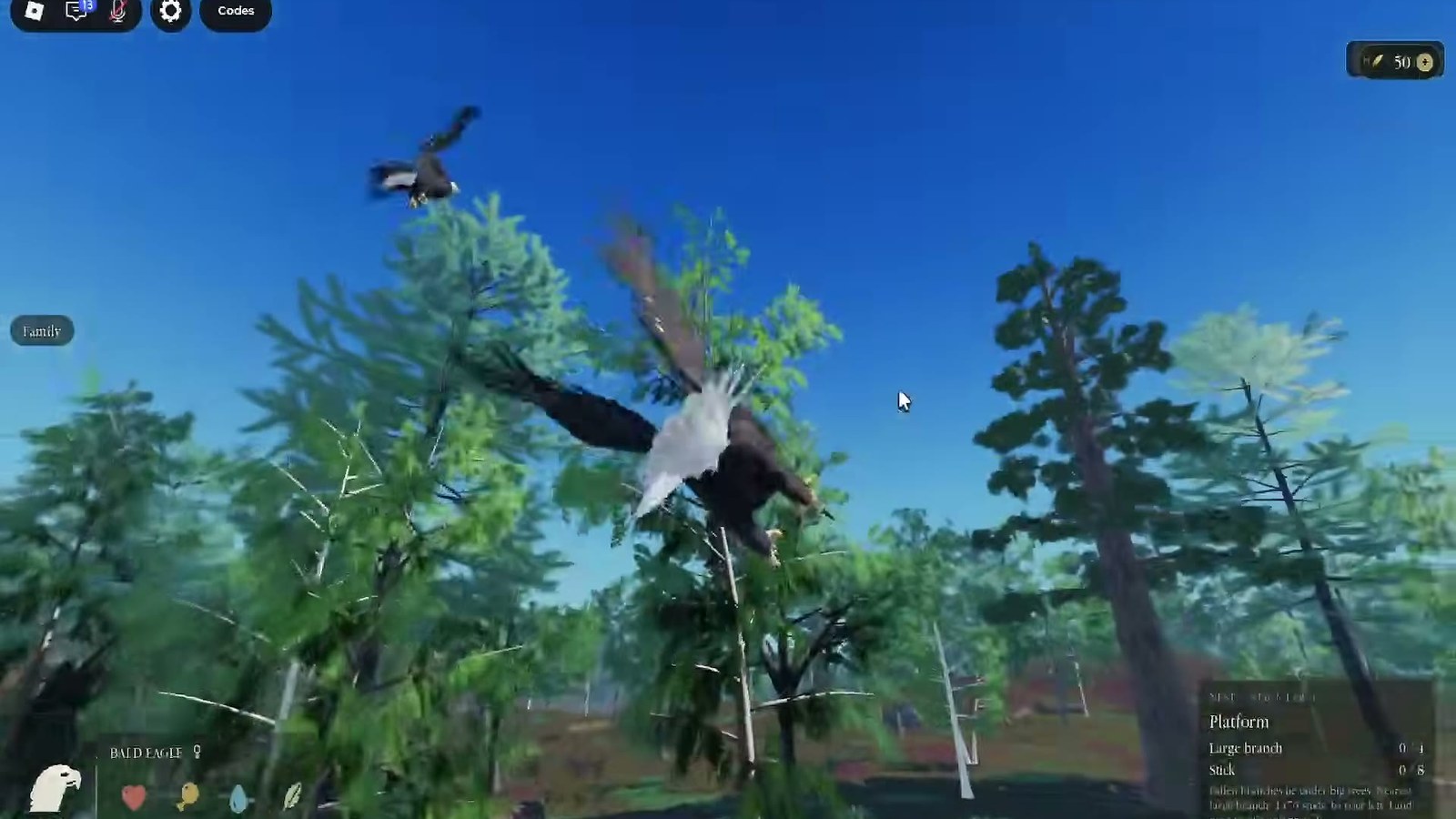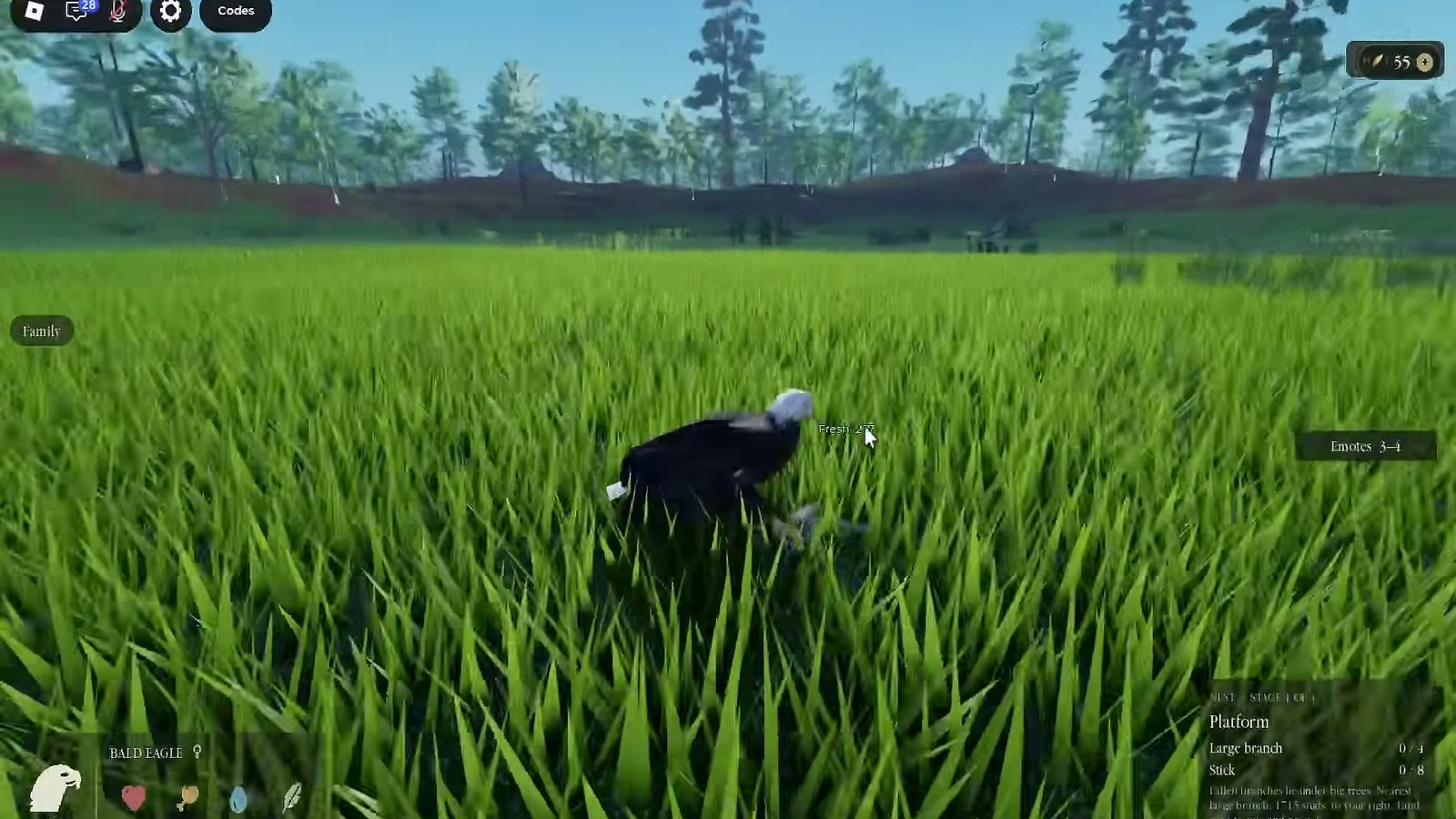
Controls and settings
Broodwing uses Roblox's default movement and camera; flight is driven by the same movement inputs plus camera aim, so tuning camera sensitivity and graphics quality matters more than remapping keys.
Broodwing uses Roblox's standard control scheme, and that is genuinely all you need to know: there is no custom key layout to learn, no hotbar, and no ability buttons. What separates a good Broodwing player from a bad one is not the keyboard, it is camera discipline - because the camera is what steers the bird.
The defaults, on each platform
| Action | PC | Console | Mobile |
|---|---|---|---|
| Move | WASD or arrow keys | Left stick | Left thumbstick |
| Look / aim | Mouse | Right stick | Drag on the screen |
| Jump / leave ground | Space | A / cross | Jump button |
| Interact (where the game offers it) | E or the on-screen prompt | X / square | Tap prompt |
| Open menu | Esc | Start | Menu button |
Those are Roblox platform defaults. Broodwing does not advertise a separate flight key set, and the flight reads as an extension of normal movement: you leave the ground, you keep moving, and the camera sets the direction you travel.
Why the camera is the control that matters
In a ground game, the camera tells you where you are looking. In Broodwing, the camera tells you where the bird is going. Point it at the far shore and the bird flies at the far shore; point it at the ground and the bird dives.
That has two consequences worth internalising:
- A jittery camera makes a jittery flight. Long glides need a steady hand on the look input, not constant correction.
- Camera sensitivity is a gameplay setting, not a comfort setting. Too high and every correction overshoots; too low and you cannot turn before a trunk.
Finding your sensitivity in one minute
Do this before a session rather than during one:
- Take off from a high point and glide toward a distant landmark.
- Try to hold a straight line for five seconds without correcting.
- If you cannot, lower the sensitivity one step and repeat.
- Then try a tight turn around a trunk. If you cannot make it, raise it one step.
The right value is the one where a long line is stable and a tight turn is possible. Most players end up one or two steps below the default.
Graphics settings that actually help
Broodwing's valley is dense: trees, water and birds all at once. Frame drops hurt more here than in most Roblox games, because a stutter during a landing is a crash.
| Setting | What to do | Why |
|---|---|---|
| Graphics quality | Drop one step if you stutter near trees | Keeps landings smooth |
| Render distance | Leave at default if possible | Cutting it hides prey and nests |
| Shadows | Off on low-end devices | The biggest single frame-rate win |
| Fullscreen | On for flight, off for chat | Wider view, fewer misclicks |
| Shift lock | Off | You need free camera aim to steer |
Shift lock is the interesting one: on the ground it keeps your character facing forward, but in flight you want the camera free, because the camera is the steering. Turning it off is the single most useful setting change for a new Broodwing player.
Mobile and console notes
On a phone, the look control is a drag on the right side of the screen, and the thumbstick is on the left. That makes long glides harder than on PC, because you cannot hold a drag and a stick press comfortably at the same time. The workaround is to set a line, release, and only correct when you drift - short inputs rather than continuous pressure.
On console, the right stick does the aiming and the left stick does the movement, which maps cleanly to flight. The main adjustment is sensitivity: console sticks default slower than a mouse, so a long glide feels sluggish until you raise it.
What Broodwing does not have
There is no stamina bar to manage, no ability hotbar, and no inventory to open mid-flight. The game's published description lists flying, hunting, nesting, eggs, chicks and family - not equipment or skills - and the store sells cosmetic bird variants.
That is why this page is short on keybinds: there are none beyond Roblox's defaults, and inventing a flight key table would send you looking for buttons that do not exist.
Settings for a family session
If you are playing with a group, two settings matter beyond flight:
- Chat visibility. Keep it on; a family coordinates in text, and the 35-player cap means the chat is readable.
- Camera shake and motion effects. Turn them down if you get motion sick on long glides; the valley has a lot of vertical movement.
Related pages
The how to fly page covers the technique the settings are for, the server page covers getting into the same server as your group, and the safety page covers the account settings that keep a young player out of trouble.
When the bird will not take off
Nine times out of ten it is not a bug, it is one of three things.
| Symptom | Likely cause | Fix |
|---|---|---|
| Hop instead of flight | Launching from flat ground | Get to height first; a standing start is a hop |
| Flight stops and falls | Camera aimed straight down | Level the camera and let the glide resume |
| Cannot turn in time | Sensitivity too low | Raise it one step and test on a wide turn |
| Stutter on landing | Shadows and quality too high | Drop shadows first, then quality one step |
| Character faces the wrong way | Shift lock is on | Turn it off; the camera is the steering |
If none of those match, reload the game: Roblox's movement state occasionally sticks after a teleport, and a rejoin clears it.